
Set up your robotDual arm systemUnboxing and setup
Unbox and set up the dual arm system
Take the dual arm system out of its box, place it on the desk, cable both of its computers to your network, connect a 24 V DC supply and switch it on.
At the end of this page the dual arm system stands on your desk, both of its computers are on your network, and it is switched on. This page is about the desk, the cables and the power only. The Quick start then takes it from here to a robot that moves.
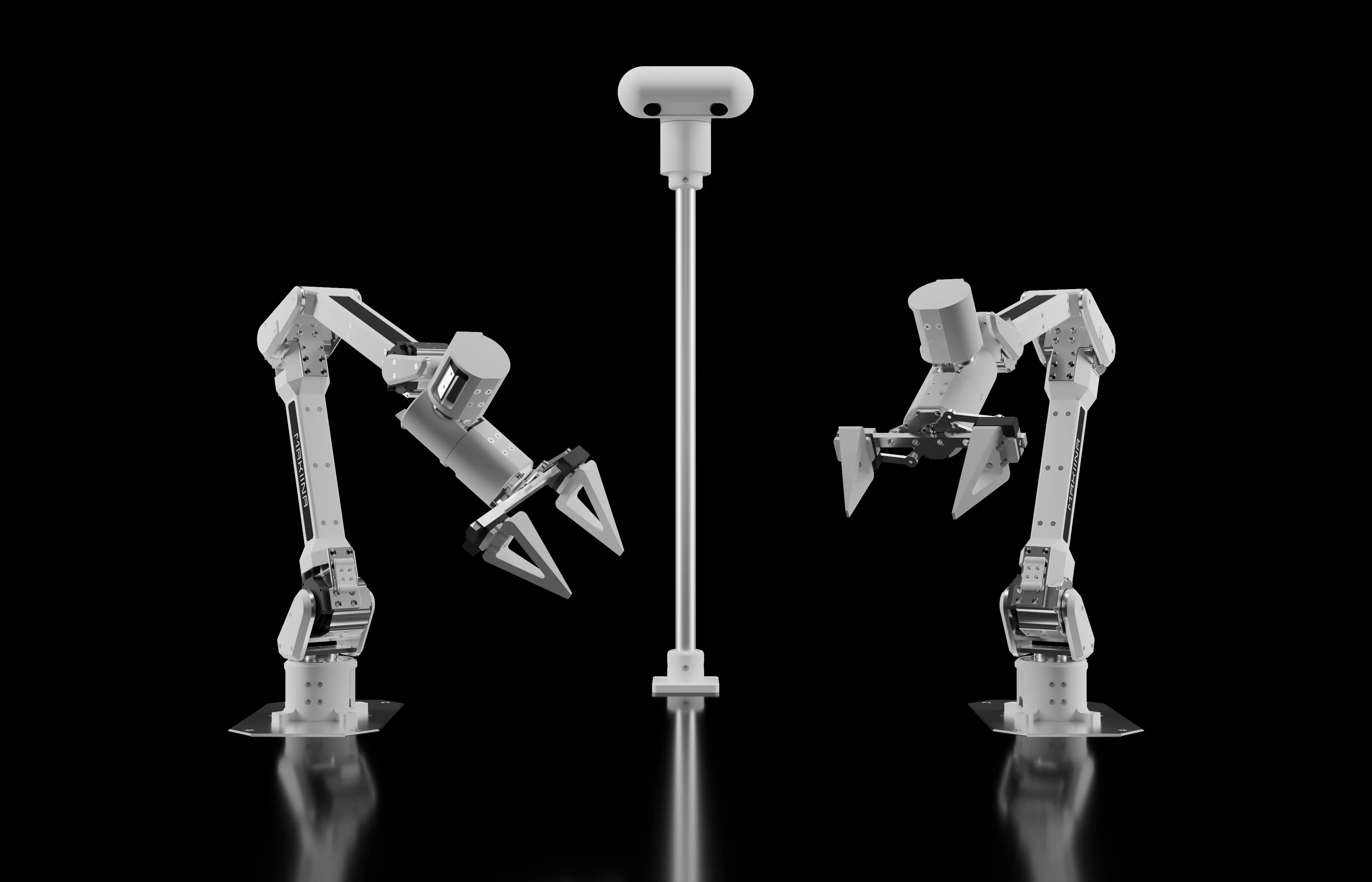
What is in the box
- The robot: two arms with grippers, the head with its two stereo cameras, a camera on each gripper, and two small computers that run it. The head Pi drives both arms and the head, streams the stereo cameras and talks to MAKIINA Cloud. The gripper Pi streams the two gripper cameras.
- The robot's card, with the robot's name and its claim code. Keep it private and keep it at hand: the quick start needs the claim code.
- The cables your order lists.
- A printed sheet on the open source software inside and how to get its source code.
What you need
- A 24 V DC power supply. It is not in the box. Pick one of 500 W for the dual arm system. A smaller supply also works, but it limits how much torque the arms can give. Pick a supply with a switch you can reach from the desk.
- A router or switch with two free network ports, one for each of the robot's computers, that hands out addresses (DHCP) and reaches the internet. The robot needs no open ports.
- A desk or table with room around both arms.
- For the quick start: a PC with Windows or Linux on x86_64, or Linux on ARM64 (which versions), and an email address you read for your MAKIINA account. You confirm that address before you add the robot.
Set it up on the desk
- Take the robot out of the box and keep the card.
- Place it on the desk with room around both arms, and keep a hand near the supply's switch when you try something new.
- Connect both computers' network cables, the head Pi and the gripper Pi, to your router, or to a switch that is connected to your router. Use cables, not Wi-Fi: the cameras' video needs a wired connection to run well.
- Connect the 24 V DC supply to the robot's power input.
- Switch the supply on. The arms hold their pose and the two computers start. After about a minute the head Pi has an address on your network and is online at MAKIINA Cloud.
The robot is ready for the Quick start.
If the robot does not come online
You find out in the quick start: once you have added the robot to your account, it stays OFFLINE there a few minutes after you switched it on. Then check these, in this order:
- Both network cables are in, at the robot and at the router or switch.
- The network reaches the internet. A guest network, or a network that blocks all outgoing traffic, keeps the robot offline.
- Switch the robot off and on again, and give it a minute.
The robot shows OFFLINE has more.