
Get startedChoose your robot
Choose your robot
Find out which kind of MAKIINA robot you have, a dual arm system or a single arm kit, then follow its own short path from the box to the first move.
These pages take you from the box to a robot that moves under your control. MAKIINA robots come in two kinds, and each kind has its own path. Pick yours.
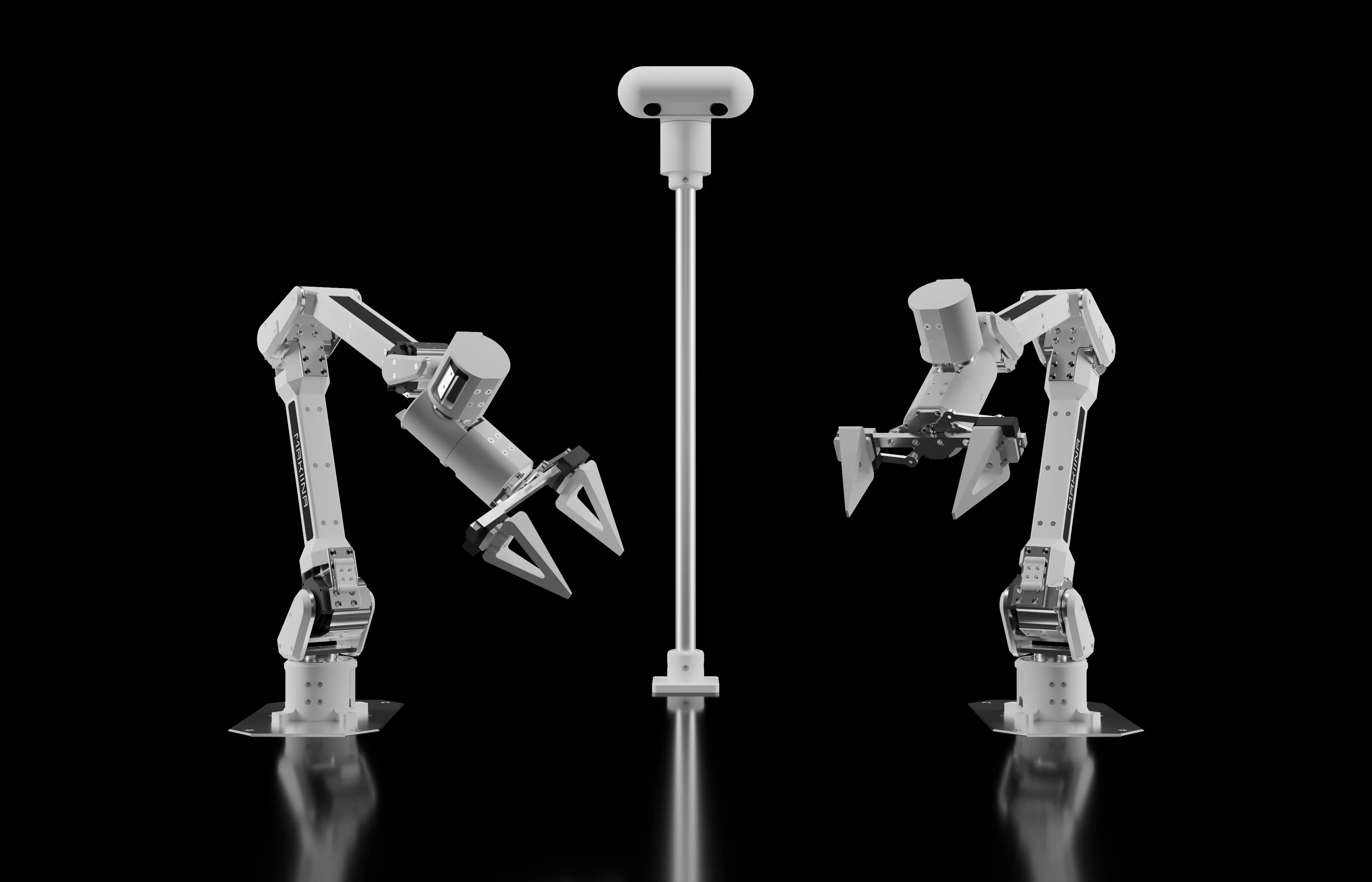 Dual arm systemTwo arms, a head with stereo cameras and two small computers that run them. It joins your network and your MAKIINA account with the claim code on the printed card in the box.
 Single arm kitOne arm with its gripper and a USB CAN adapter that plugs into your PC. No computer in the arm and no network: everything runs on your PC.
Tell them apart
| What is in front of you | Your path |
|---|---|
| A head with two cameras on a pole between two arms, network cables, a printed card with a claim code | Dual arm system |
| One arm whose cable ends in a small USB adapter for your PC | Single arm kit |
A dual arm system's arms can also be driven straight over CAN from your own PC, a Raspberry Pi or a Jetson board, without the head: each arm then follows the single arm kit path.
What both have in common
You drive both from your own PC with the same software: the Robot Console, a web page that runs on your PC, and the makiina Python package. Both come in one download, the SDK kit, which you get from your MAKIINA account: sign in at cloud.makiina.com/account, open SDK and press GET DOWNLOAD LINK on the row of your PC. Each path shows these steps where you need them, and Install the SDK sets the kit up in about a minute. Everything else differs, so follow the path of your robot from here.